Imaging technology.
Made for your photographs.
We develop software for colour, exposure and image detail. Our first app, MagicTrick, brings those tools together in a simple photo editing experience.
Try MagicTrick Our approach ↓
01 / Our approach
Built around the way people make images.
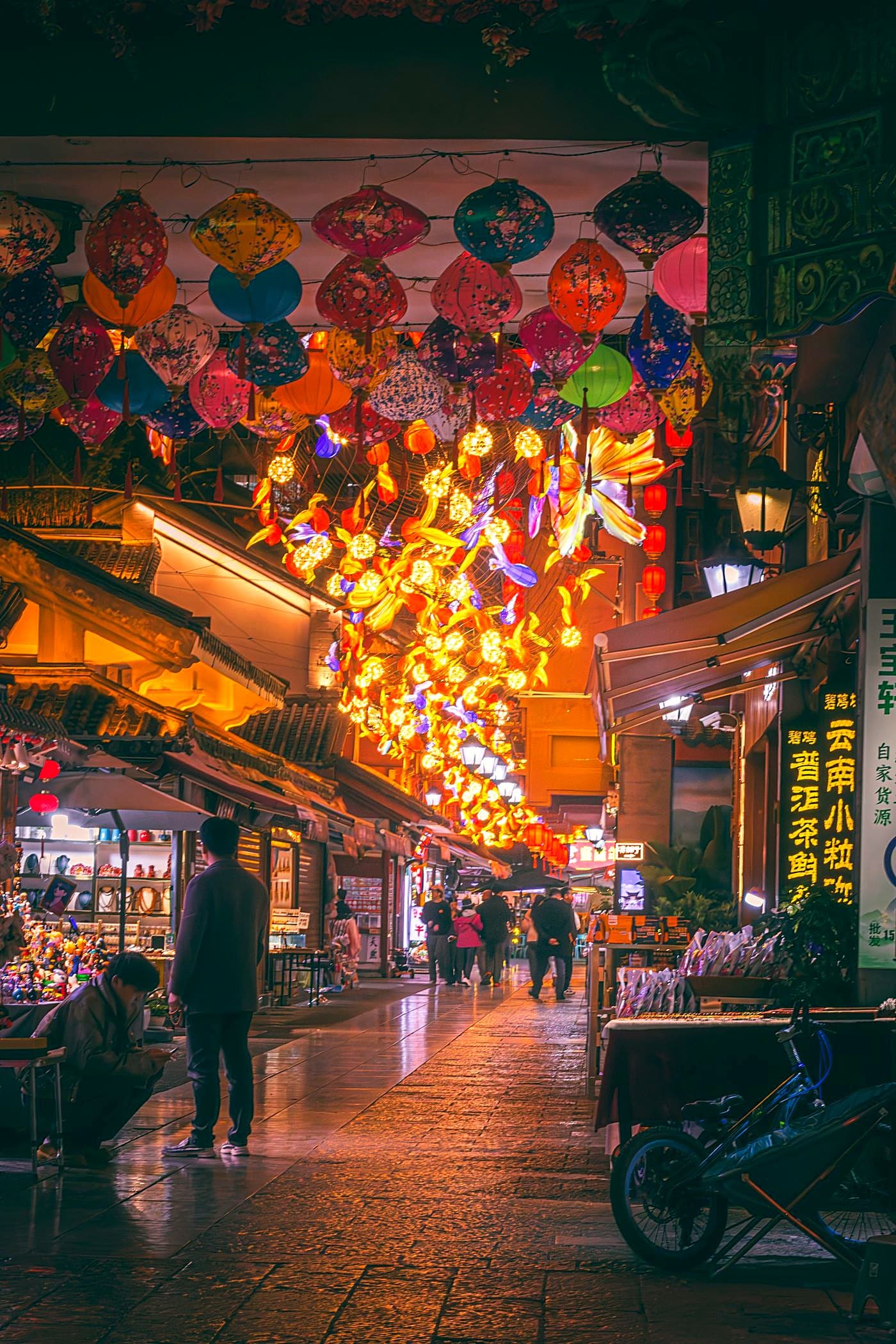
Photography is how we keep a moment. Our work starts there: understanding the light, finding the balance and preserving what made the picture worth taking.
02 / Introducing MagicTrick
Meet MagicTrick.
Choose a photo. MagicTrick takes care of the colour, exposure and detail. Compare the result with your original and see what changes.
Test MagicTrickKeep the character
A good edit helps the scene come through. It should preserve the atmosphere and the details you noticed.
Make it straightforward
Useful tools should be easy to pick up. Choose your image, see the result and compare it for yourself.
Make every adjustment count
Every adjustment should serve the photograph. We balance colour, exposure and detail to make the result feel considered.
03 / Nimalthas Insights
From the blog.
The RTX 5090 May Be Leaving Consumers Behind
Reports say NVIDIA may be moving its top consumer GPU supply toward much more expensive professional cards. Here is what that could mean for ordinary buyers.
The Decline of Kodak and the Mistake That Changed Photography
Kodak helped invent digital photography but remained tied to the economics of film. The lesson is more complicated than simply failing to see the future.
How 360 Cameras Let You Frame After Recording
Reframing turns one spherical recording into several possible shots, changing both production and editing.
Why Insta360 Cameras Feel So Different
Insta360 changed the camera from a device that records one frame into a device that lets creators choose the frame later.
Made by Nimalthas Imaging