Chroma
Studio-grade color in a single tap.
Chroma reads your photo, understands the scene, and builds a color grade made for it,a stronger starting point, instantly. Drag any comparison below, then try it on a shot of your own.
Before / After
Compare the difference.
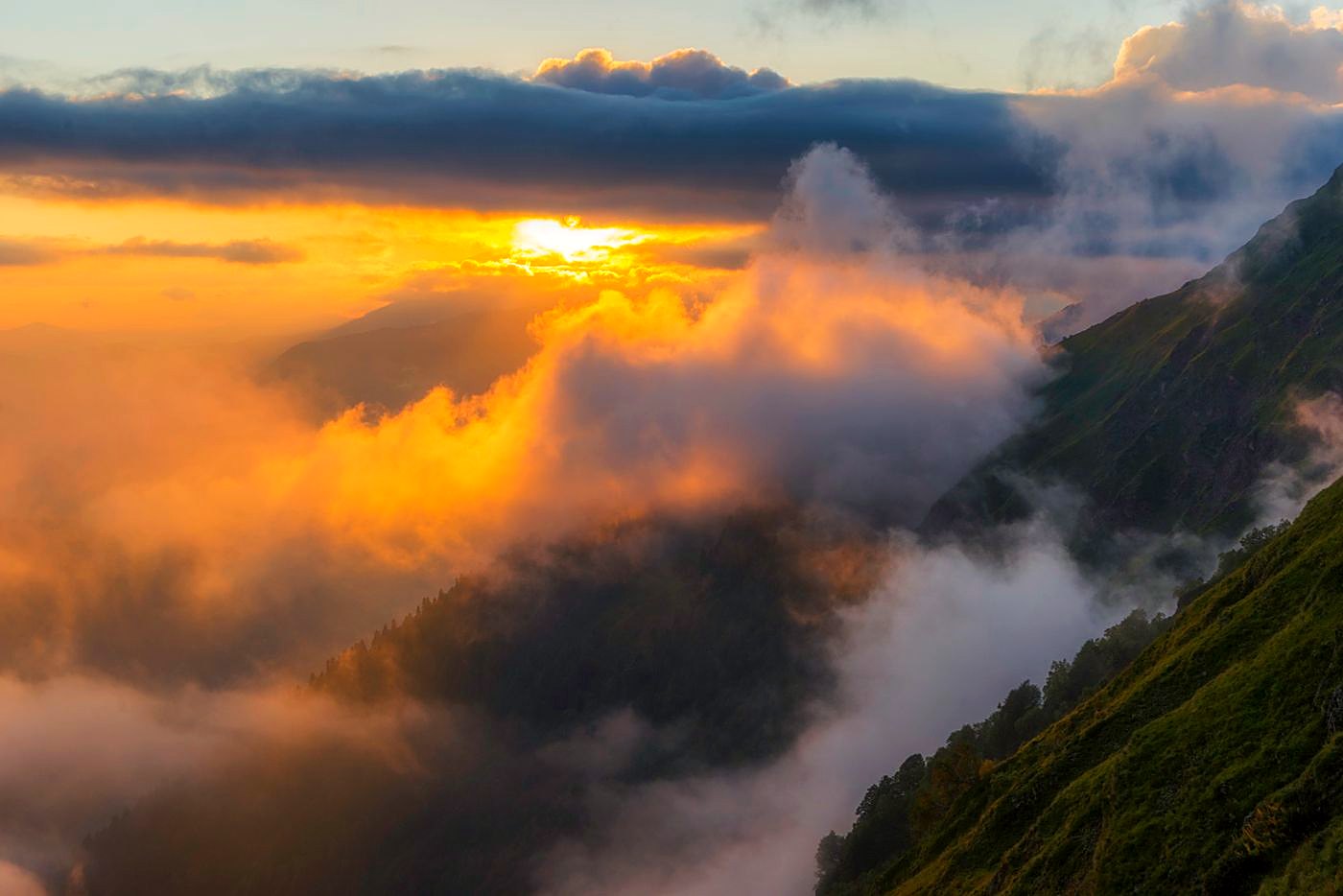
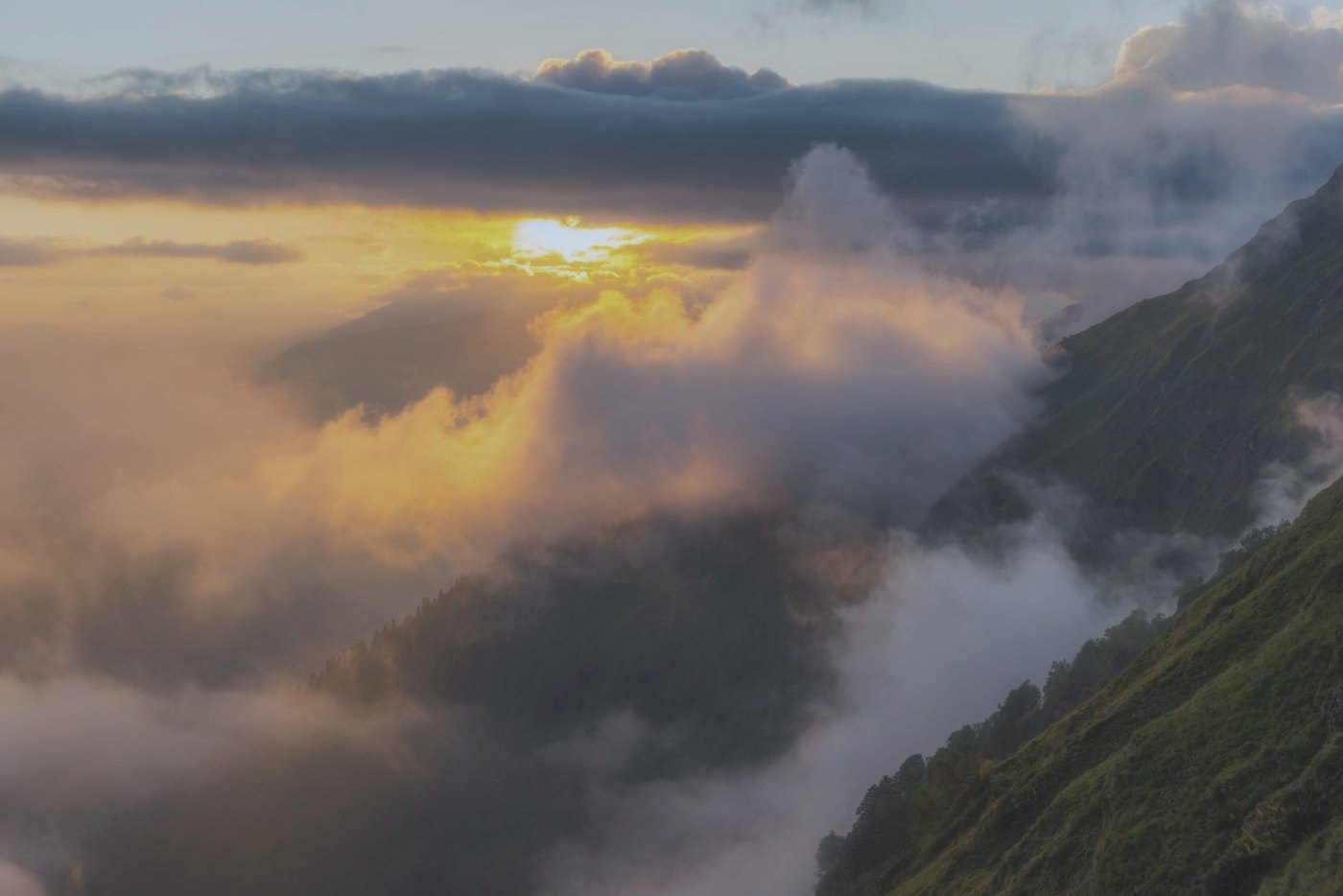
The golden light in the clouds comes back and the valley greens deepen, while the mist stays soft and the shadows keep their detail.
Photo by Ilya Bunin · Pexels License (free for commercial use)
Your turn
Try Chroma on your own photo.
JPG, PNG, WebP, iPhone HEIC, or phone & camera RAW / DNG. Everything is graded locally in your browser,your photos never leave your device.
Drop a photo here
or click to browse. JPG, PNG, WebP, HEIC, and RAW / DNG (iPhone ProRAW, Samsung Expert RAW, Pixel, Adobe DNG, and camera RAW).
Processed locally on your device,nothing is uploaded.
Why Chroma
A better starting point, by default.
Better color
Scene-aware white balance and vibrance recover warmth and depth, so skies, greens, and skin read the way you remember them.
Better detail
Tone curves open the shadows and hold the highlights,with a safeguard that keeps dark, low-key subjects from crushing to black.
Higher resolution
Roadmap,detail-aware upscaling is coming to Chroma Pro, for clean enlargements that stay sharp.
One-click workflow
Open, grade, export. No sliders to learn and no presets to dig through,Chroma hands you a finished look in a single step, then gets out of your way.
Smarter enhancement
What we're aiming for,grading that classifies each scene and adapts the whole recipe to your photo.
This is the Community demo. The full workflow, RAW support, and premium looks live in Chroma.
Explore Chroma